
Jeff Babbitt
← More of my apps

GoSignal

Finish your tasks. Earn your apps back.

Live — Android

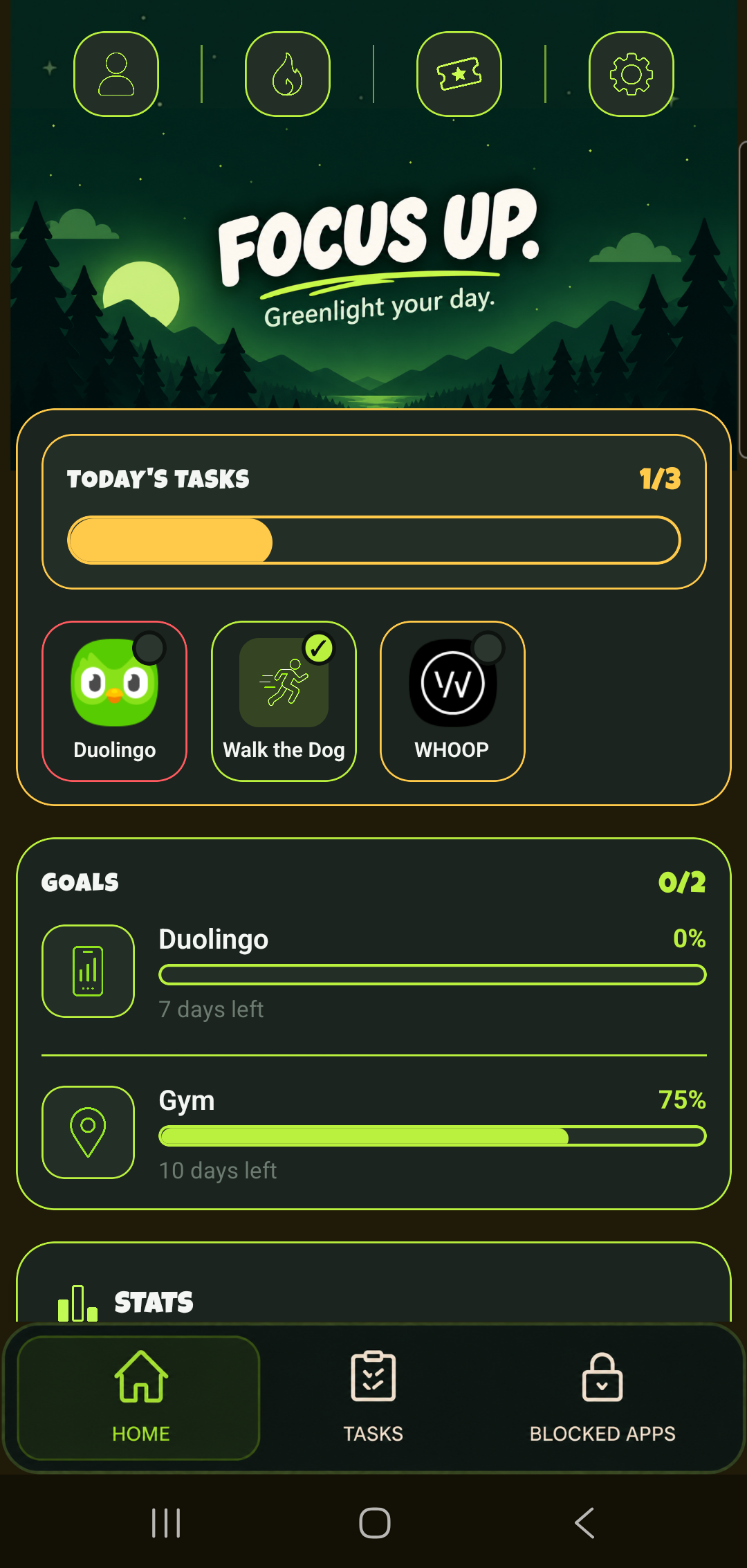
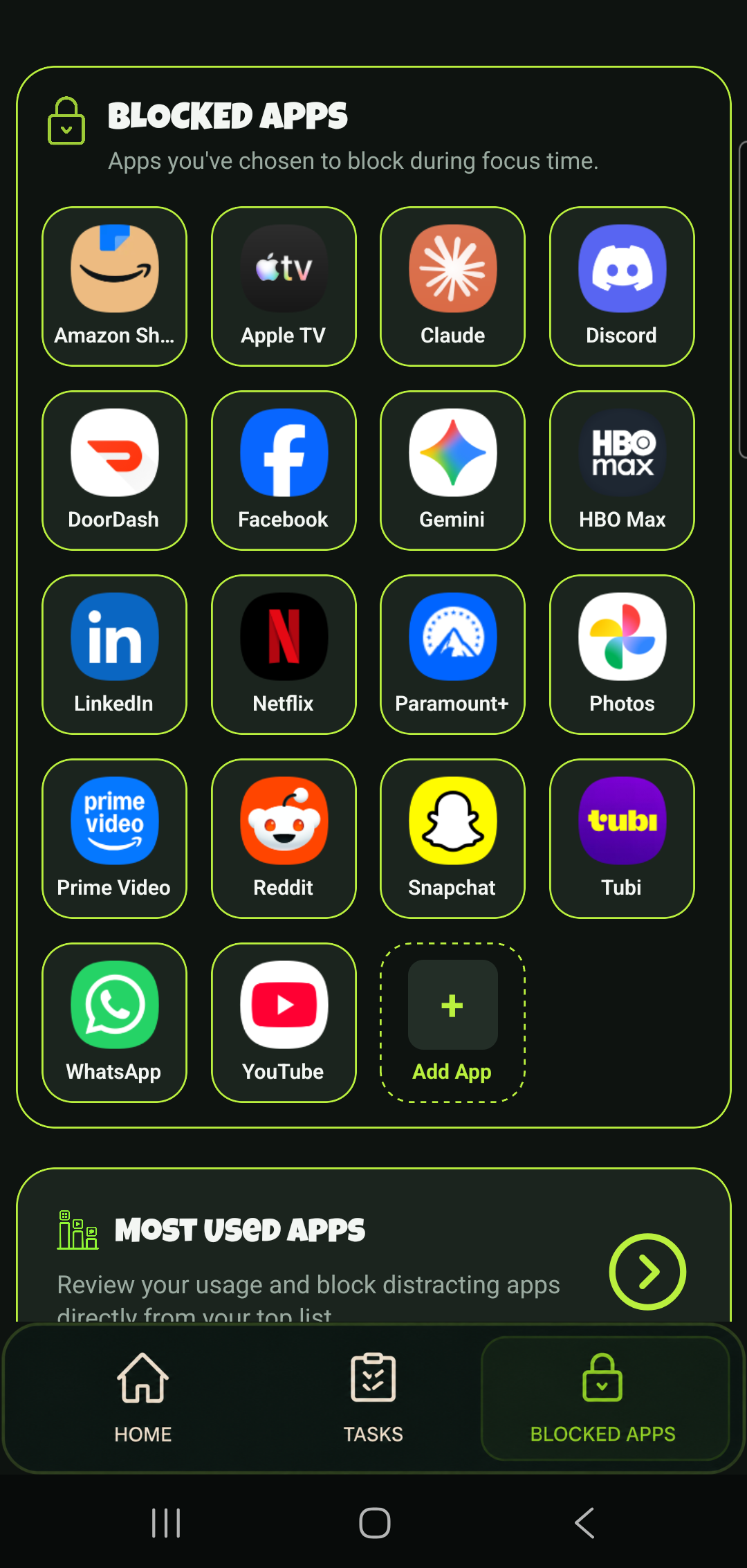
GoSignal blocks the apps that eat your day until you've actually done the things you meant to do. Every app on your phone gets tagged Green (always free), Yellow (locked until today's tasks are done), or Red (blocked, no exceptions) — so instead of a blanket timer running out, the apps you care about staying off just stay off until you've earned them back.

It runs quietly in the background: no daily check-ins required, no willpower needed to "just not open" something. The phone enforces it for you.

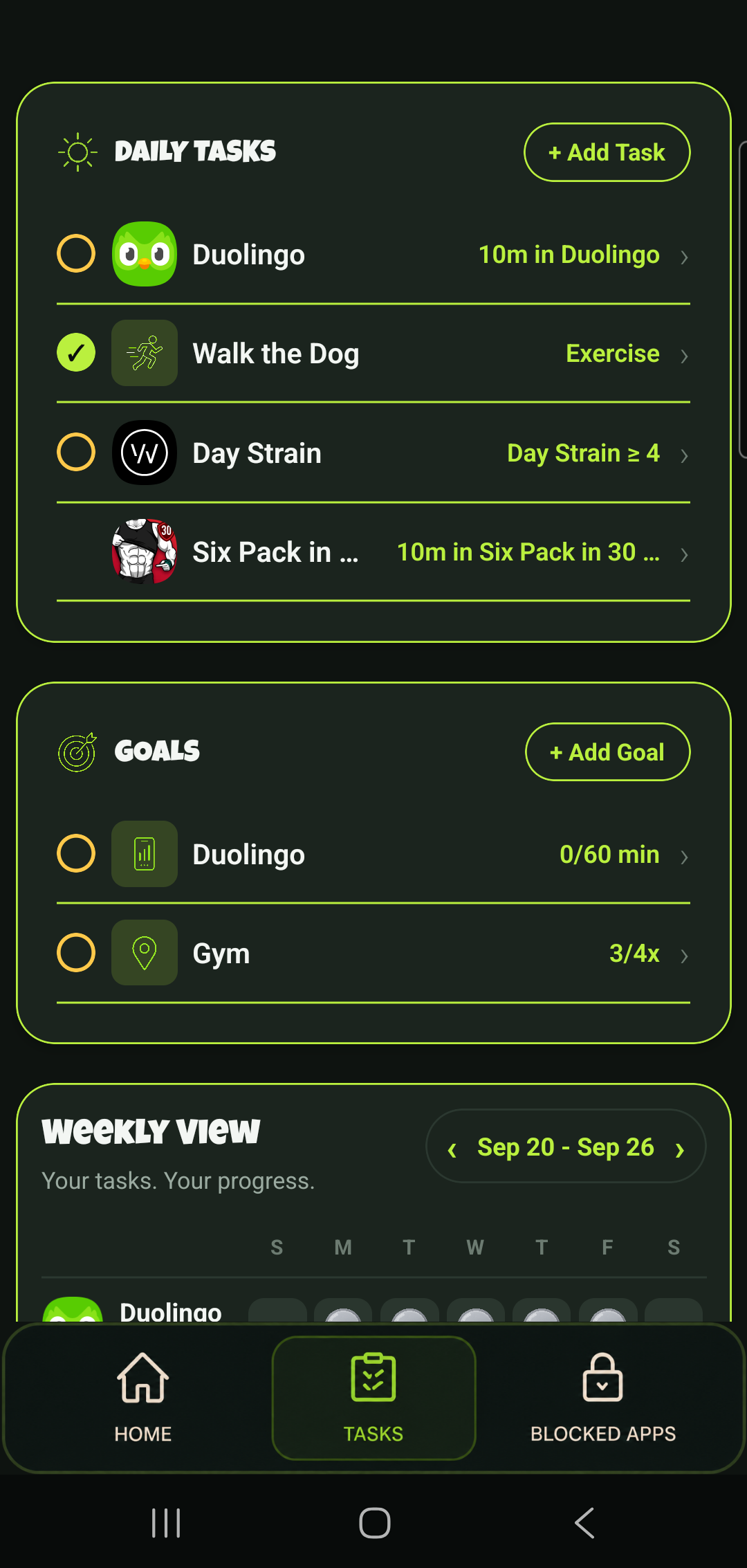
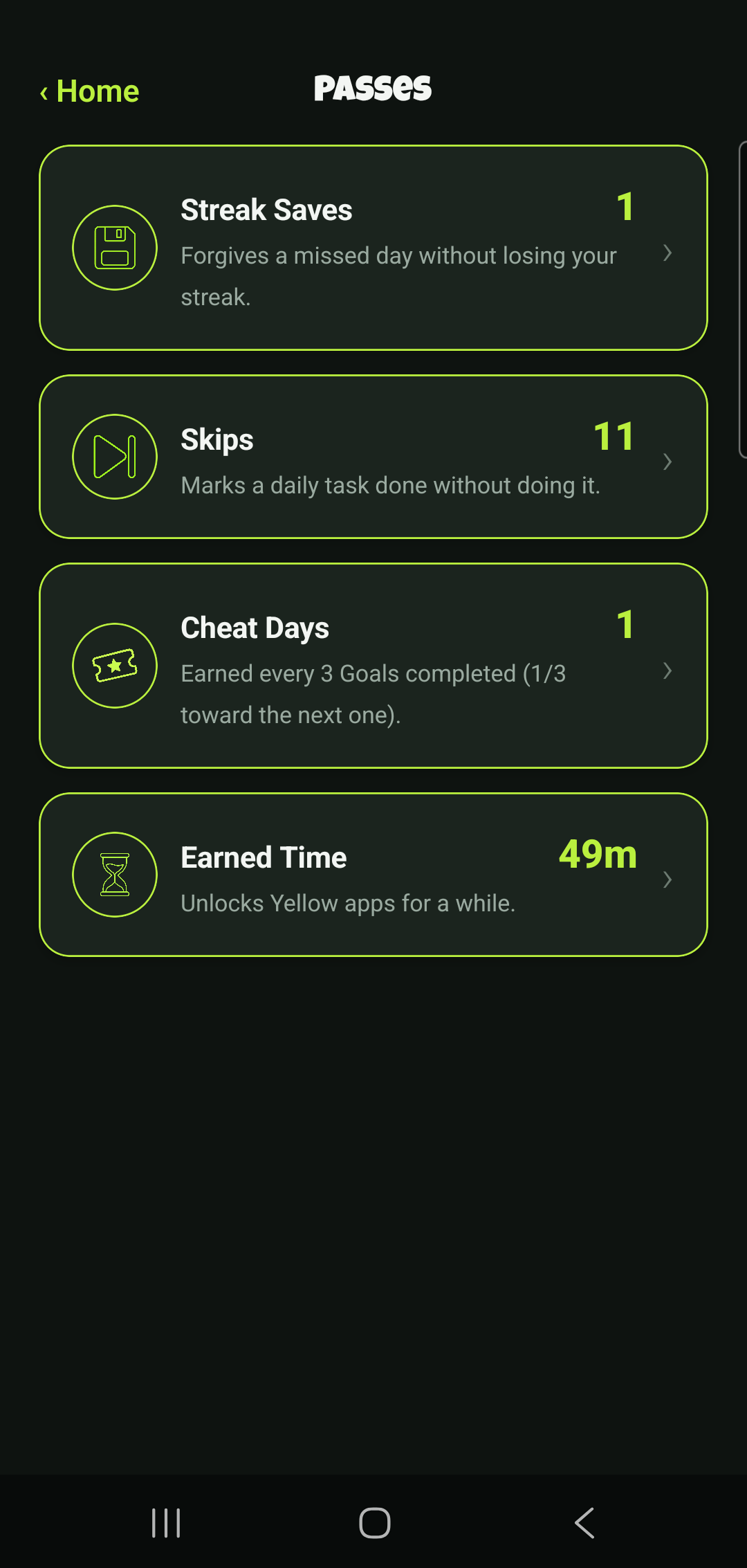
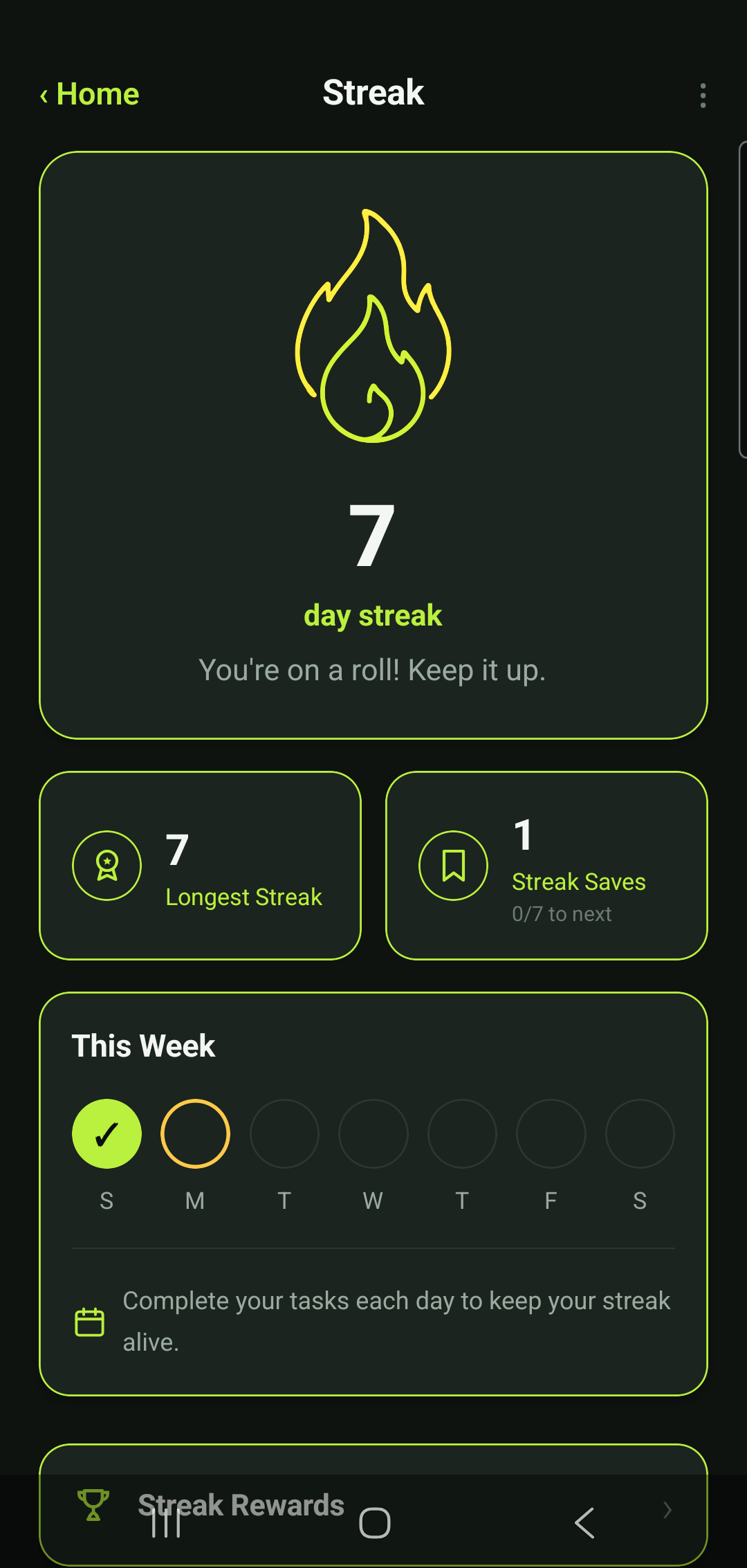
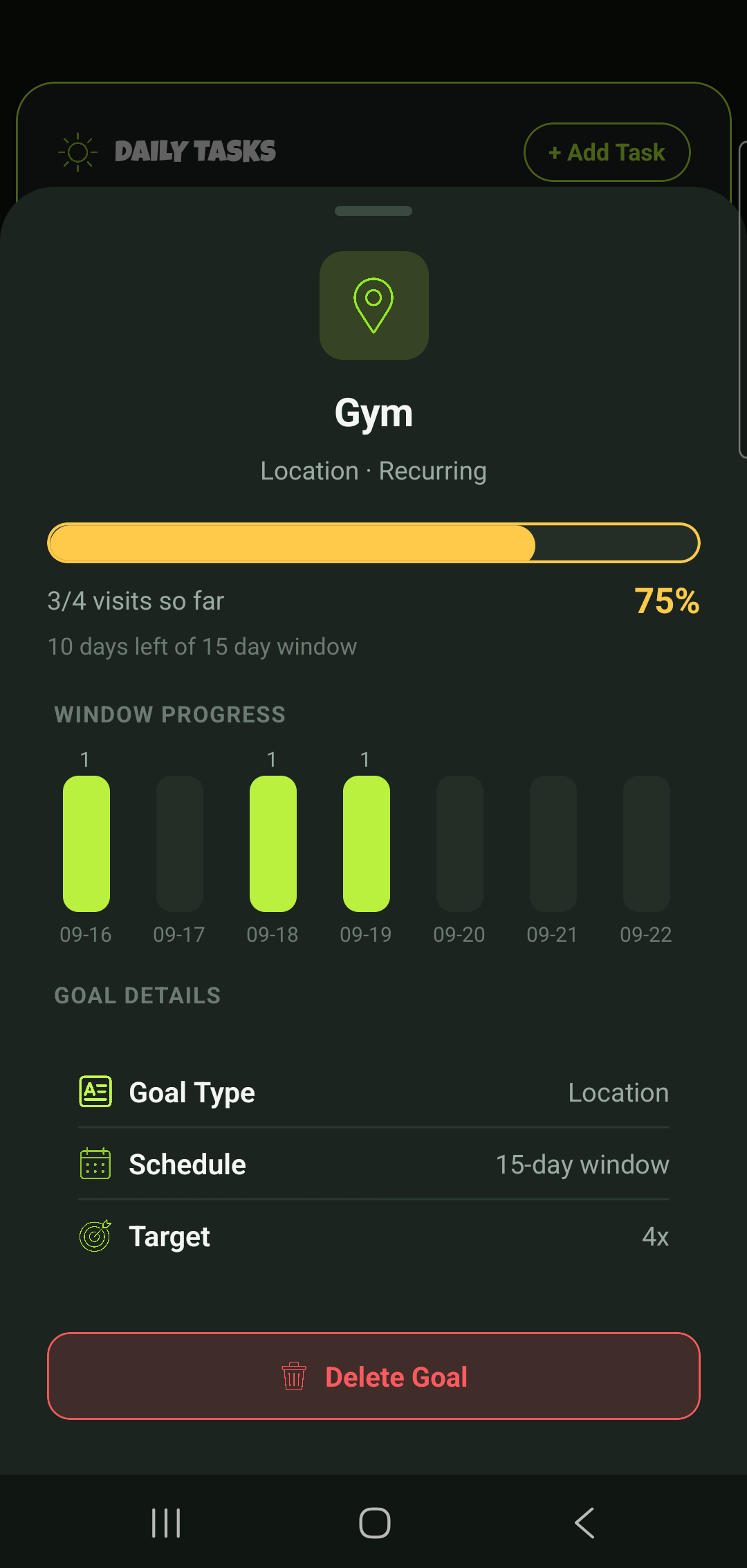
GoSignal home screen showing today's tasks and goals GoSignal tasks and goals list GoSignal blocked apps grid GoSignal passes screen GoSignal streak screen GoSignal goal detail screen

Tasks that actually verify themselves

Set a task around a habit and choose how it gets marked done: log it yourself, spend time in a specific app, arrive somewhere, or hit a number from your health data. Most of them check off without you lifting a finger.

Goals, for the bigger targets

Not everything fits a daily shape. Goals track something over a window you set — 50,000 steps this week, four gym visits in fifteen days — instead of forcing it into a same-shaped-every-day habit.

Streaks, Skips, and Cheat Days

Finishing every task keeps your streak alive and banks time you can spend unlocking a Yellow app early. Miss a day and a Streak Save can cover you; can't get to a task and a Skip marks it done without breaking anything.

Lock Modes for the rest of your day

Sleep, Driving, Work, a hard daily usage cap, or a dedicated block on your work email after hours — five separate modes that lock things down on their own schedule, independent of your task list.

Connects to WHOOP, Fitbit, and Health Connect

Tasks and goals can hook directly into real health data — steps, active calories, exercise minutes, sleep, strain — instead of asking you to report it by hand.

A Sunday planning ritual

Every week starts with a quick prompt to turn tasks on or off for the days ahead — changes made there never put your streak at risk, unlike editing a task's schedule mid-week.